

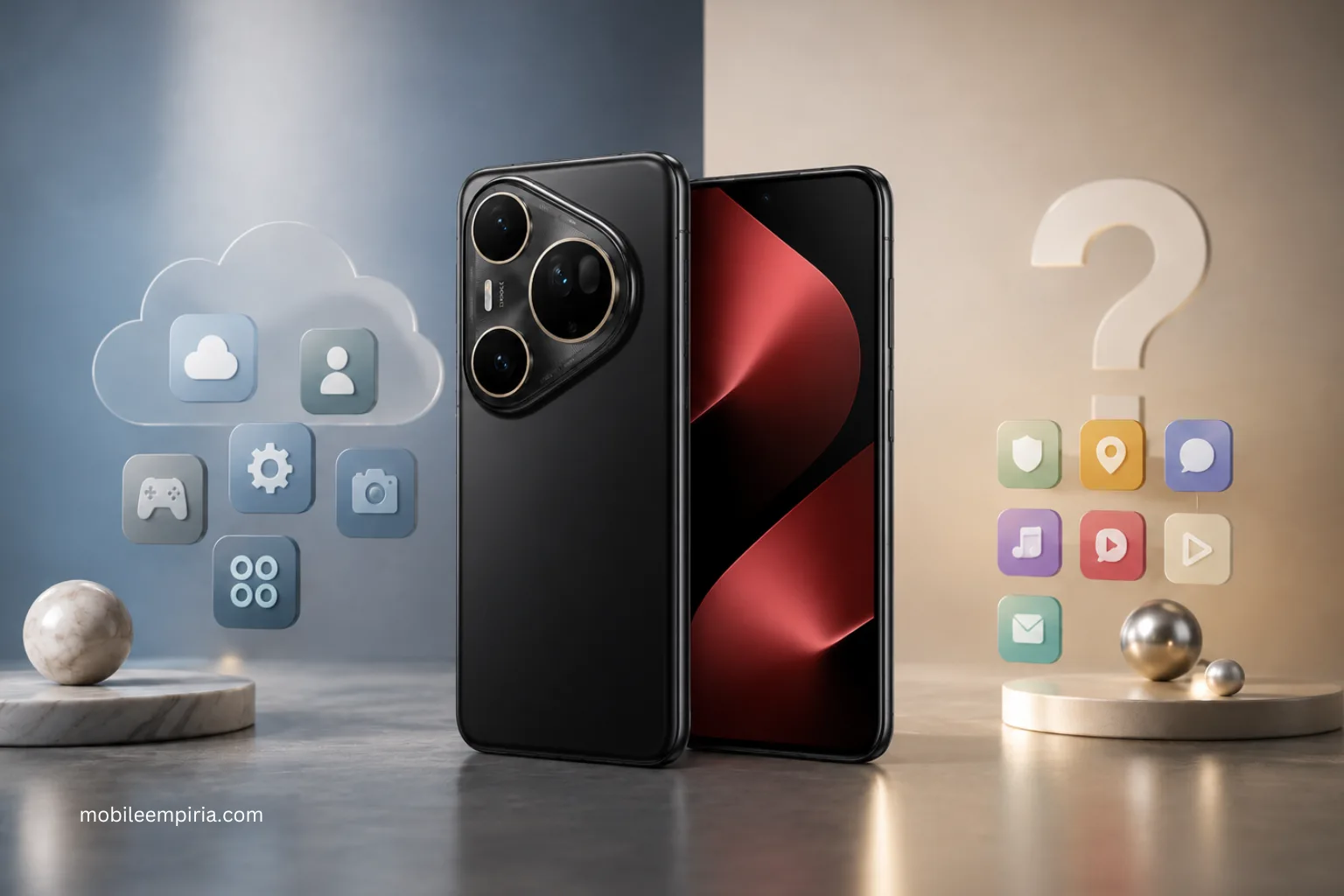
If you are thinking about buying a Huawei phone, this is one of the first questions you should clear up. The short answer is: new Huawei phones do not come with Google Mobile Services or the Google Play Store preinstalled, but that does not automatically mean you cannot use Google apps at all. Huawei’s own community and AppGallery materials now point buyers toward AppGallery, microG, and in some cases GBox-based routes for accessing many Google apps and services on current Huawei devices.
The short answer
If by “support Google apps” you mean works like a Samsung, Pixel, or other standard Android phone with Google Play built in, then no. New Huawei phones do not ship that way. Huawei’s own community posts say newer Huawei devices no longer come with Google Mobile Services pre-installed, and Huawei also points users toward AppGallery as its official app platform.
If by “support Google apps” you mean can I still use apps like YouTube, Gmail, Google Maps, or other Google-linked apps somehow, then the answer is often yes, but not always in the same way as a normal Google-certified Android phone. Huawei’s own guides say some Google apps can now be downloaded through AppGallery with microG support, and if an app is not directly available there, Huawei also points users toward GBox through AppGallery in some of its community guides.
What this means in real buying terms
This is where buyers usually get confused. A Huawei phone is not the best choice if you want the most straightforward Google-native experience with zero extra thought. If your ideal setup is signing into Google Play on day one and having everything feel exactly like any other mainstream Android phone, Huawei is still the wrong fit. Huawei’s own materials make clear that the default experience is AppGallery first, not Google Play first.
But Huawei is also not in the old “no Google at all, impossible to use” category anymore. Huawei’s current community content explicitly explains routes for downloading many Google apps through AppGallery and getting them working with microG, and separate Huawei guides also explain installing GBox from AppGallery for additional app access.
How Google apps usually work on Huawei now
Huawei’s official AppGallery page describes AppGallery as Huawei’s official app distribution platform. Huawei’s guide to using Google apps on current Huawei phones explains that some Google apps can be downloaded through AppGallery with microG support, and that GBox may be used when needed.
In plain terms, the experience usually falls into three buckets:
- Some apps are available directly through AppGallery.
- Some Google-linked experiences work through microG-supported flows.
- Some users may still need GBox or a browser-based workaround for specific apps or use cases.
That is workable for many buyers, but it is still different from buying a phone with Google Play built in from the start.
So, should Google apps stop you from buying a Huawei phone?
That depends on how central Google is to your daily setup.
A Huawei phone can still make sense if:
- You mainly care about Huawei hardware, camera, battery, design, or the overall value of the device.
- You are comfortable using AppGallery and a slightly different setup flow.
- The Google apps you rely on are the more common ones Huawei already explains how to access through AppGallery, microG, or GBox.
A Huawei phone is harder to recommend if:
- You want a completely standard Google-certified Android experience.
- You do not want any setup friction at all.
- Your work, school, travel, payment, or app ecosystem depends heavily on Google services working the exact same way they do on Samsung or Pixel devices.
The biggest buyer mistake here is treating this like a yes-or-no question. It is really a friction question. Many buyers can live with the current Huawei setup. Some should absolutely avoid it.
What buyers should check before buying
Before buying a Huawei phone, check the exact apps you care about most. Not just “Google apps” in general, but your real daily stack.
Think about:
- Gmail
- YouTube
- Google Maps
- Chrome
- Google Drive or Docs
- Any work apps that rely on Google sign-in.
- Any third-party apps that depend heavily on Google services in the background.
Huawei’s current community guidance shows that many common Google apps can be accessed on Huawei phones now, but Huawei also acknowledges that these flows involve AppGallery, microG, or GBox rather than the old default Google-certified setup. That is why checking your specific must-have apps matters more than repeating outdated blanket advice.
The practical buyer answer
If you want the simplest answer, use this:
- Buy Huawei confidently if you are already interested in the phone itself and you are okay with a different app setup path.
- Pause and check app-by-app first if Google is central to your work or daily routine.
- Skip Huawei if you want a no-friction Google-native Android experience and do not want to think about AppGallery, microG, or GBox at all.
That is the real decision. For many buyers, Huawei phones are still usable and attractive. They just are not the same kind of plug-and-play Google phone as mainstream Android alternatives.
If you are still comparing Huawei models themselves, read our Huawei Pura 80 Pro vs Huawei Pura 80 Ultra guide next.
Final recommendation
Do Huawei phones support Google apps? Not in the old built-in Google Play sense, no. But for many buyers, the more useful answer is that a lot of Google app usage is still possible today through Huawei’s current AppGallery-led approach, including microG-supported flows and GBox where needed. Huawei can still be a good buy, but only if you go in with the right expectations and check the apps that matter most to you first.
Still deciding? Browse the Huawei range first, then compare the specific model that fits your needs best.
